
Titleist Hybrid Adjustment Chart: All 16 Settings, A1 to D4
Titleist hybrid settings, A1 to D4: loft and lie for all 16 SureFit cells, the left-handed grid, which sleeves move 1 degree, and which cell fits your miss.
Your hybrid has started turning left. Not every swing, but often enough that you now aim at the right edge of the green and hope. Someone on the next mat tells you Titleist hybrids are adjustable, so just change the setting.
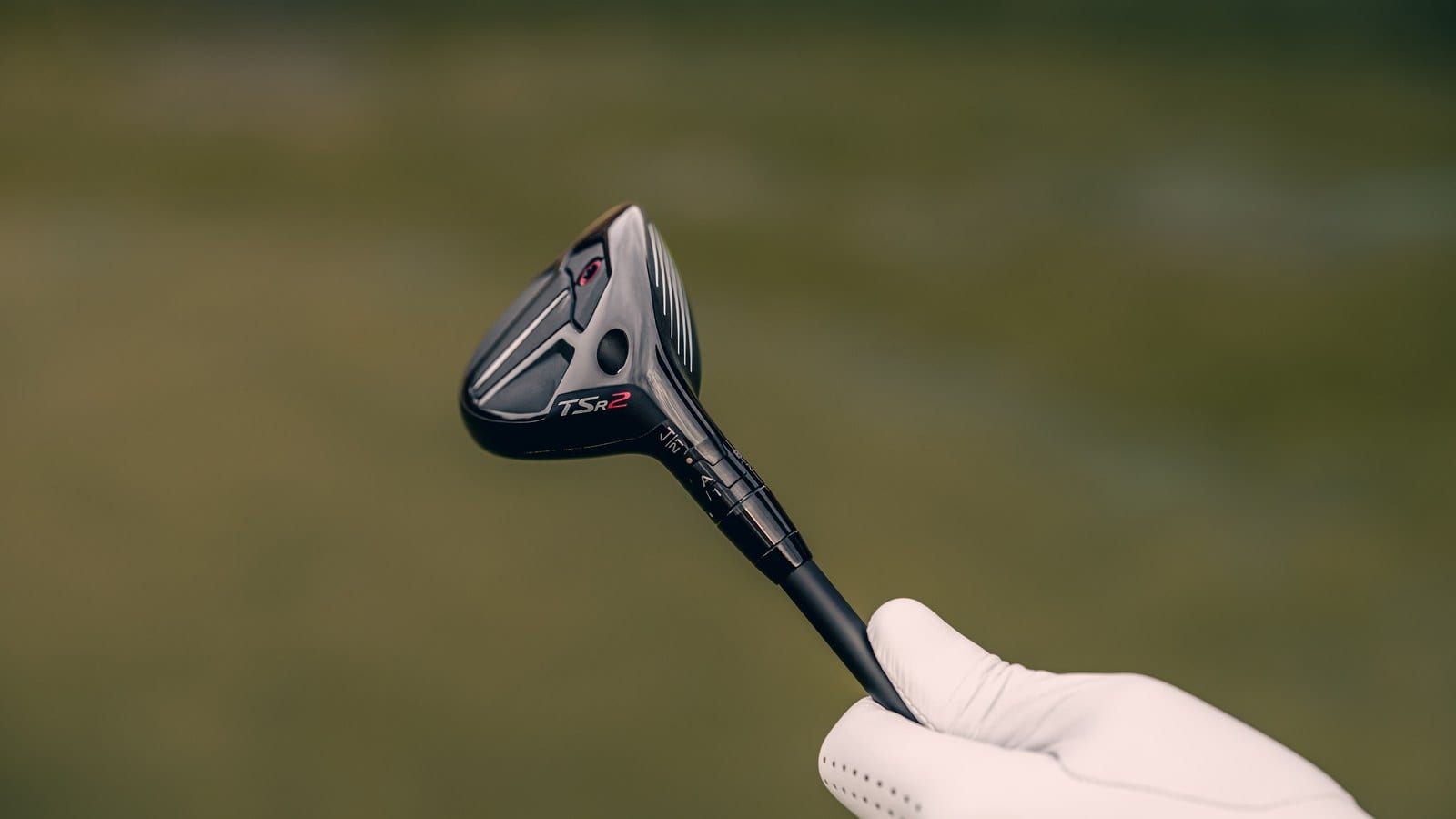
You turn the club over. There’s a ring with the letters A to D and a sleeve with the numbers 1 to 4. Nothing on it says which way is “less left.” That collar where the shaft meets the head is the hosel, and the turning part is the SureFit sleeve.
The full chart is right below, for both hands. One thing needs checking before you trust it: whether your sleeve moves in 1 degree steps or 0.75.
At a glance
- On a right-handed Titleist hybrid, A1 is standard. On a left-handed one, D4 is standard, and A1 means 1 degree more loft.
- Hybrids from the 816H onward move 1 degree per step. Titleist states it at the 816H launch and as the page-wide hybrid rule, with no model exception; its TSR and GT pages don’t restate it. The 913H and 915H sleeves moved 0.75, so they follow the driver chart.
- Up the grid is higher, down is lower. On a right-handed chart, left is MORE DRAW and right is FADE. Titleist’s chart never says “hook” or “slice.”
- The grid is lopsided: 2 degrees of extra loft but only 1 less, 2 degrees upright but only 1 flat. A hooking hybrid gets one column of help.
- Titleist doesn’t say how much each step changes ball flight, and it publishes no torque number. Tighten until the wrench clicks, and never mid-round.
The Titleist hybrid adjustment chart, cell by cell
Two words carry the whole table. Loft is the angle of the clubface, and it mostly decides how high the ball starts. Lie is the angle between the shaft and the ground when the club sits flat on its sole.
Upright lie stands the shaft up more. Flat lie lays it down. Rows are loft and columns are lie, so every code is one loft paired with one lie.
A quick word on shot shapes first. For a right-hander, a draw curves left and a fade curves right. A hook is a big draw and a slice is a big fade. For a left-hander, everything flips.
Right-handed hybrids
| 2° upright | 1° upright | Standard lie | 1° flat | |
|---|---|---|---|---|
| +2° loft | A3 (most draw) | B3 | A4 | B4 |
| +1° loft | D3 | C3 | D4 | C4 |
| Standard loft | A2 | B2 | A1 (standard) | B1 |
| -1° loft | D2 | C2 | D1 | C1 (most fade) |
Values from the Titleist SureFit Performance Guide (retrieved 2026-10-03) and its right-handed hybrid chart. TGW’s hybrid table (2026) matches it cell for cell.
Titleist prints the codes as A•1, B•2 and so on. On its chart image, the arrows read HIGHER above the grid, LOWER below, MORE DRAW to the left and FADE to the right.
If you already know the driver chart, you know this one. On the right-handed charts, every code sits in the same cell. Only the step size changes, from 0.75 degrees to 1.
Left-handed hybrids use a different layout
Here’s the trap. The same code means a different setting on a lefty club.
| 1° flat | Standard lie | 1° upright | 2° upright | |
|---|---|---|---|---|
| +2° loft | C1 | D1 | C2 | D2 (most draw) |
| +1° loft | B1 | A1 | B2 | A2 |
| Standard loft | C4 | D4 (standard) | C3 | D3 |
| -1° loft | B4 (most fade) | A4 | B3 | A3 |
Values from Titleist’s left-handed hybrid chart on the SureFit page (retrieved 2026-10-03).
A1 is standard on a right-handed hybrid. On a left-handed one, A1 is 1 degree more loft at standard lie. The lie columns also run the other way, with FADE on the left and MORE DRAW on the right. If a friend tells you “I play mine in A1,” check which hand first.
Which grid your hybrid uses: 816H to GT, or 913H and 915H
This is where most online answers slip. They say Titleist hybrids move 1 degree, full stop. PGA Tour Superstore’s guide puts it that way: “In hybrids, the SureFit hosel adjusts in 1° increments” (PGA Tour Superstore). That’s right for most hybrids you’ll find today, but not for every one.
| Your sleeve came from | Each step moves | Use |
|---|---|---|
| 816H, 818H, TS, TSi (TSR, GT: page-wide rule) | 1° | The charts above |
| 913H or 915H | 0.75° | The driver and fairway chart |
| 910H | Not stated by Titleist | No Titleist grid found |
The 1 degree step arrived with the 816H in 2015. Titleist’s 816H1 page called it “a new 1 degree SureFit® hosel adjustment for loft and lie” (Titleist). The launch coverage put it plainly: “1º increments (as compared to .75º increments on 915)” (Golf Australia, 2015).
A Team Titleist forum answer sums up both older cases. “The 913 & 915 adapters adjust in .75* increments,” and the 910 “is the only stand alone adapter” (Team Titleist forum). Titleist doesn’t state a step size for the 910H, so this chart doesn’t cover it.
For the 915H, the 2015 launch coverage confirms 0.75. For the 913H, the only sources are that forum answer and a retailer listing. Titleist’s own pages don’t say. If you own a 913H, treat 0.75 as likely, not confirmed.
On the newest models, here’s how sure we can be. As of October 2026, Titleist’s current hybrids are the GT1, GT2 and GT3. Titleist lists “SureFit Hosel” in their specs without restating the step (Team Titleist, 2025). The same goes for the TSR. The SureFit page says hybrids adjust in 1 degree increments and lists no exception, so the 1 degree grid is the sound read. It isn’t a model-by-model confirmation. If you own a TSR or GT, use the 1 degree grid. If a setting moves less than you expected, the step size is the first thing to question.
Mixed builds follow the sleeve
Titleist’s TSi hybrid launch lists its sleeve as “Compatible with Titleist TS, 818, 816, 915 hybrids” (Team Titleist). A retailer listing adds the 913 to that family (GolfUSA). Titleist’s GT launch doesn’t publish a compatibility list. So on many older builds, the head on your shaft doesn’t settle the question.
The step size belongs to the sleeve. The same retailer listing, which appears to reproduce older Titleist text, says the 915 and 913 hosel “adjusts in 0.75°” even in 816 heads (GolfUSA). If you can’t tell where your shaft came from, ask whoever built the club.
My own 3-hybrid is one of these mixed builds. It’s a used TSR2 head, 18 degrees, on the shaft from my old TS3 4-hybrid. I swapped the head myself with the wrench. Both the TS3 sleeve and the TSR2 head are 816 or later, so the 1 degree grid applies. If you’re planning a swap like that, sleeve compatibility has its own article.
Fairway woods are a separate case and simpler. They use the same grid as drivers: “Titleist Driver & Fairway SureFit Hosels adjust in .75° loft and lie increments” (Titleist, retrieved 2026-10-03). My TSi2 15-degree 3-wood sits at A1, and its chart is in the driver settings article.
What turning the sleeve changes, and what it doesn’t
The sleeve changes two things: loft and lie. Each one moves on its own, which is why the grid has 16 cells. Titleist describes “16 independent loft and lie settings” (Team Titleist).
Titleist’s guide splits the jobs: “Move up or down in the grid to adjust trajectory. Move left or right in the grid to fine-tune direction” (Titleist, retrieved 2026-10-03). Rows are loft. Columns are lie.
Launch coverage compared the new step to iron fitting: “The 1º increments mirror the adjustments typically made to irons” (Golf Australia, 2015). If lie angle is new to you, how lie angle moves an iron shot covers the idea in more depth.
Face angle isn’t on the list
Face angle is the direction the clubface points at address. For a right-hander, open points right and closed points left. A Titleist staff member wrote that SureFit “mechanically adjusts loft and lie angle, not face angle.” Any face angle change “comes from the fact that when you change loft angle, you also change the ground contact point on the sole” (Team Titleist forum, 2015).
You’ll also read the opposite-sounding version. Plugged In Golf, writing about adjustable heads in general, says “When you add loft, you are closing the face” (Plugged In Golf, 2020). These two aren’t fighting. One describes how the face looks when you set the club down. The other describes the loft you get if you deliver the face square.
That’s why Titleist’s numbers come with a footnote: “LOFT = EFFECTIVE LOFT with a square face at impact.” If you’d rather go by Plugged In’s framing, expect a cell with more loft to look a little closed at address. I’d read the chart Titleist’s way, because those are the numbers it prints.
Matching your miss to a cell
Titleist labels directions, not misses. Its charts say HIGHER, LOWER, MORE DRAW and FADE. The table below is my translation of those arrows into the problems you’d actually describe. Titleist doesn’t publish this mapping.
| Your miss | Move on the grid | Right-handed cell | Left-handed cell |
|---|---|---|---|
| Too low | Up one row (+1° loft) | D4 | A1 |
| Too high | Down one row (-1° loft), the only one | D1 | A4 |
| Hooks | One column toward FADE (1° flat), the only one | B1 | C4 |
| Fades or slices | One column toward MORE DRAW (1° upright) | B2 | C3 |
| Low and hooking | Up one row and one column flat | C4 | B1 |
| High and hooking | Down one row and one column flat | C1 | B4 |
Cells read from Titleist’s right-handed and left-handed hybrid charts. Each row starts from standard and moves one step.
I’d start with a single step, as in the table. If that isn’t enough, go one more in the same direction where the grid allows it. On a right-handed hybrid, that’s A4 for even higher and A2 for even more draw. On a left-handed one, it’s D1 and D3.
Any one-step move lower or flatter already lands on the edge of the grid: it gives 2 degrees of extra loft but only 1 less, and 2 degrees upright but only 1 flat. So the too-high and every hooking row have no second step in that direction.
Don’t expect a set number of yards or degrees of curve from each step. Titleist doesn’t publish how much ball flight changes per step. What the chart gives you is a direction. One column toward FADE is the fine-tune Titleist’s arrow points to, made through lie alone, since the sleeve doesn’t set face angle. Whatever in your swing starts the hook is still there afterward.
There’s also a fair case for leaving it alone. My 3-hybrid has sat at the standard setting since I built it, and I’ve never moved it. So I can’t tell you what a step feels like on the course. Standard is where Titleist tells you to begin, and no rule says you have to move off it. Whether that club even belongs in your bag is a separate question, covered in 3-hybrid loft and distance.
Setting it with the wrench
Titleist’s instructions for the wrench: “Insert SureFit wrench into hosel screw and rotate counter-clockwise until hosel becomes loose, move adjustment ring to the desired setting, and tighten clockwise until you feel and hear the wrench ‘click’. If the screw feels like it is binding, stop and realign components” (Titleist, retrieved 2026-10-03).
Titleist doesn’t publish a torque value for the hosel screw; the wrench clicking is your stop. The page also says “The SureFit wrench must be used to properly and safely adjust the performance of Titleist metals.”
Two more lines from the same page. The settings “must not be adjusted during a round of golf.” And the system is “only compatible with genuine Titleist components,” and other parts “may void the warranty” (Titleist, retrieved 2026-10-03). Sort it out at the range, before you tee off.
Where it usually goes wrong
- Reading the wrong hand’s chart. A lefty using the right-handed table lands on a different setting, even with the “right” code.
- Using the wrong step size. A 915H sleeve moves 0.75 degrees, so the 1 degree values above will overstate every change.
- Treating letters as meanings. A doesn’t mean “more loft” and 1 doesn’t mean “upright.” Only the cell’s position on the grid means anything.
- Forcing a binding screw. Titleist’s instruction is to stop and realign, not to push harder.
- Judging a used hybrid before reading it. A secondhand club may already be off standard. Note the code it arrived on before you hit it.
What to check afterward
Look at the letter and the number sitting together and find that code on the right chart for your hand. Write it down, so next time you start from a known cell instead of guessing.
Then hit the club before and after on the same day, with the same ball. A few honest swings tell you more than the chart can, since Titleist gives no per-step number. If the miss moved the way the arrow points, stay there. If it didn’t, go back to standard rather than chasing more cells.
Before any of that, settle which sleeve you have. Everything above assumes an 816H or later sleeve. If yours is a 913H or 915H, the driver chart’s 0.75 degree values apply, and the cell you picked moves less than this grid says.
Terms in this article
- Hosel: the collar where the shaft joins the clubhead. On a Titleist hybrid, it holds the SureFit sleeve you turn with the wrench.
- SureFit: Titleist’s adjustable hosel. A lettered ring (A to D) and a numbered sleeve (1 to 4) turn separately, giving 16 settings.
- Loft: the angle of the clubface. More loft mostly means a higher launch.
- Effective loft: the loft the club actually delivers with the face square at impact. Titleist’s chart values are effective loft.
- Lie angle: the angle between the shaft and the ground with the club soled. Upright stands the shaft up; flat lays it down.
- Face angle: the direction the clubface points at address, open (right for a right-hander) or closed (left).
- Draw, fade, hook, slice: for a right-hander, a draw curves left and a fade curves right. A hook is a big draw and a slice is a big fade.
- Step: one cell of movement on the grid. It’s 1 degree on 816H and later hybrid sleeves, and 0.75 degrees on 913H and 915H sleeves.